- Home /
- Best Photo Editing Software (2026 Guide)
Best Photo Editing Software (2026 Guide)
Photo editing has become essential for photographers, content creators, designers, and even casual users. Whether you want to enhance your Instagram photos, edit professional portraits, or create stunning visuals, choosing the right photo editing software can make a huge difference.
In this guide, we’ll explore the best photo editing software in 2026, covering both free and paid options for beginners and professionals.
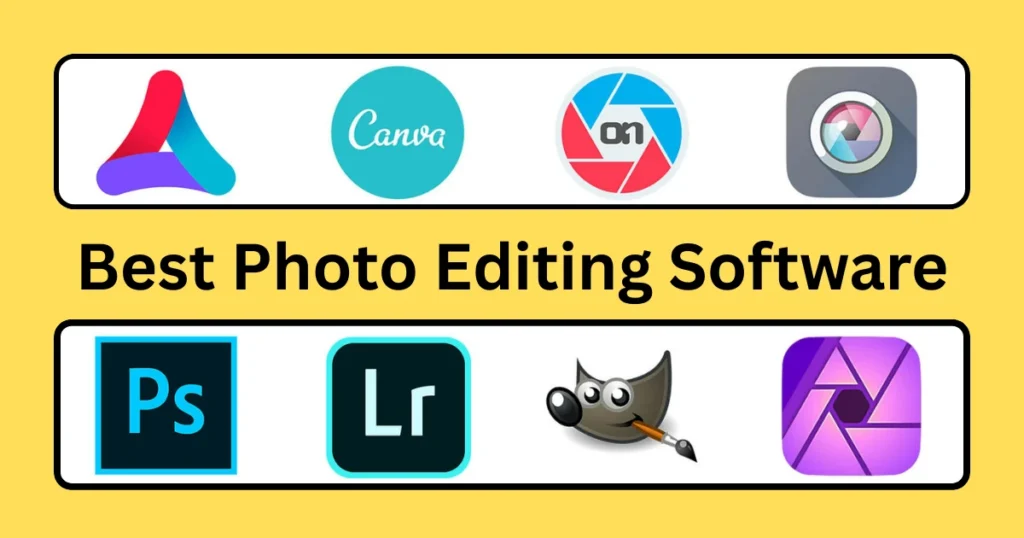
Why You Need Photo Editing Software
Modern photo editing tools allow you to:
- Enhance image quality
- Adjust colors and lighting
- Remove unwanted objects
- Create artistic effects
- Optimize images for web and social media
The right software can turn an ordinary photo into a professional masterpiece.
Best Photo Editing Software in 2026
1. Adobe Photoshop (Best Overall)
Adobe Photoshop is the industry-standard photo editing software used by professionals worldwide.
Key Features
- Advanced editing tools and layers
- AI-powered object selection
- High-end retouching features
- RAW file support
- Plugin support
Pros
✔ Professional-level editing
✔ Unlimited creative control
✔ Regular updates and new features
Cons
✖ Expensive subscription
✖ Steep learning curve
Best For: Professionals, designers, photographers
2. Adobe Lightroom (Best for Photographers)
Adobe Lightroom is perfect for photographers who want to edit and manage large photo collections.
Key Features
- Non-destructive editing
- Advanced color grading
- Presets for quick edits
- Cloud syncing
- Batch editing
Pros
✔ Easy workflow for photographers
✔ Great color correction tools
✔ Works on mobile and desktop
Cons
✖ Limited graphic design features
Best For: Photographers, influencers
3. Canva (Best for Beginners)
Canva is a beginner-friendly tool that offers simple photo editing and design features.
Key Features
- Drag-and-drop editor
- Pre-designed templates
- Background remover
- Text and graphic overlays
- Cloud-based platform
Pros
✔ Very easy to use
✔ Free plan available
✔ Ideal for social media content
Cons
✖ Limited advanced editing tools
Best For: Beginners, marketers, social media users
4. GIMP (Best Free Alternative)
GIMP (GNU Image Manipulation Program) is a powerful free alternative to Photoshop.
Key Features
- Advanced editing tools
- Customizable interface
- Plugin support
- Layer-based editing
Pros
✔ Completely free
✔ Powerful features
✔ Open-source software
Cons
✖ Outdated interface
✖ Steeper learning curve
Best For: Budget users, advanced free editing
5. Affinity Photo (Best One-Time Purchase)
Affinity Photo is a powerful alternative to Photoshop with a one-time payment.
Key Features
- Professional editing tools
- RAW editing
- HDR merging
- Panorama stitching
- Real-time performance
Pros
✔ No subscription required
✔ Fast performance
✔ Professional features
Cons
✖ Smaller plugin ecosystem
Best For: Professionals who want a budget alternative
6. Pixlr (Best Online Editor)
Pixlr is a browser-based photo editor that works without installation.
Key Features
- AI editing tools
- Filters and effects
- Background removal
- Easy interface
Pros
✔ Works online
✔ Free version available
✔ Quick edits
Cons
✖ Limited advanced tools
Best For: Quick online editing
7. Corel PaintShop Pro (Best for Windows Users)
Corel PaintShop Pro is a powerful photo editor designed for Windows users.
Key Features
- AI-powered tools
- Photo restoration
- Batch editing
- Advanced effects
Pros
✔ One-time purchase
✔ Strong feature set
✔ Good performance
Cons
✖ Windows only
Best For: Windows users, hobbyists
Free vs Paid Photo Editing Software
Free Software
- GIMP
- Pixlr
- Canva (free version)
Pros:
✔ No cost
✔ Good for beginners
Cons:
✖ Limited features
✖ Less professional tools
Paid Software
- Adobe Photoshop
- Adobe Lightroom
- Affinity Photo
Pros:
✔ Advanced tools
✔ Professional results
Cons:
✖ Subscription or cost
How to Choose the Right Photo Editing Software
When selecting software, consider these factors:
Skill Level
- Beginners → Canva, Pixlr
- Intermediate → Affinity Photo
- Professionals → Photoshop
—
Purpose
- Social media → Canva
- Photography → Lightroom
- Graphic design → Photoshop
—
Budget
- Free → GIMP, Pixlr
- One-time → Affinity Photo
- Subscription → Adobe tools
—
Device Compatibility
- Low-end PC → Canva, Pixlr
- High-performance system → Photoshop
Latest Trends in Photo Editing Software
Photo editing is evolving rapidly with new technologies.
AI Editing Tools
- Automatic background removal
- Smart object selection
- AI retouching
Cloud-Based Editing
- Work from anywhere
- Real-time collaboration
Mobile Editing
- Apps with powerful features
- Editing on smartphones
Final Verdict
Choosing the best photo editing software depends on your needs and experience level.
Adobe Photoshop is the best choice for professionals
Adobe Lightroom is ideal for photographers
Canva is perfect for beginners and quick designs
GIMP is the best free alternative
Affinity Photo offers great value with a one-time purchase
If you’re just starting out, Canva or Pixlr is a great choice. For serious editing and professional work, Photoshop remains the top option in 2026.
By selecting the right tool, you can enhance your photos, boost creativity, and create stunning visuals with ease.
Best Code Editors for Beginners
VS Code vs Sublime Text
Best Programming Languages to Learn
Best IDEs for Developers (2026)
Popular Category
Post